Quick answer: what is an SM-DP+ address?
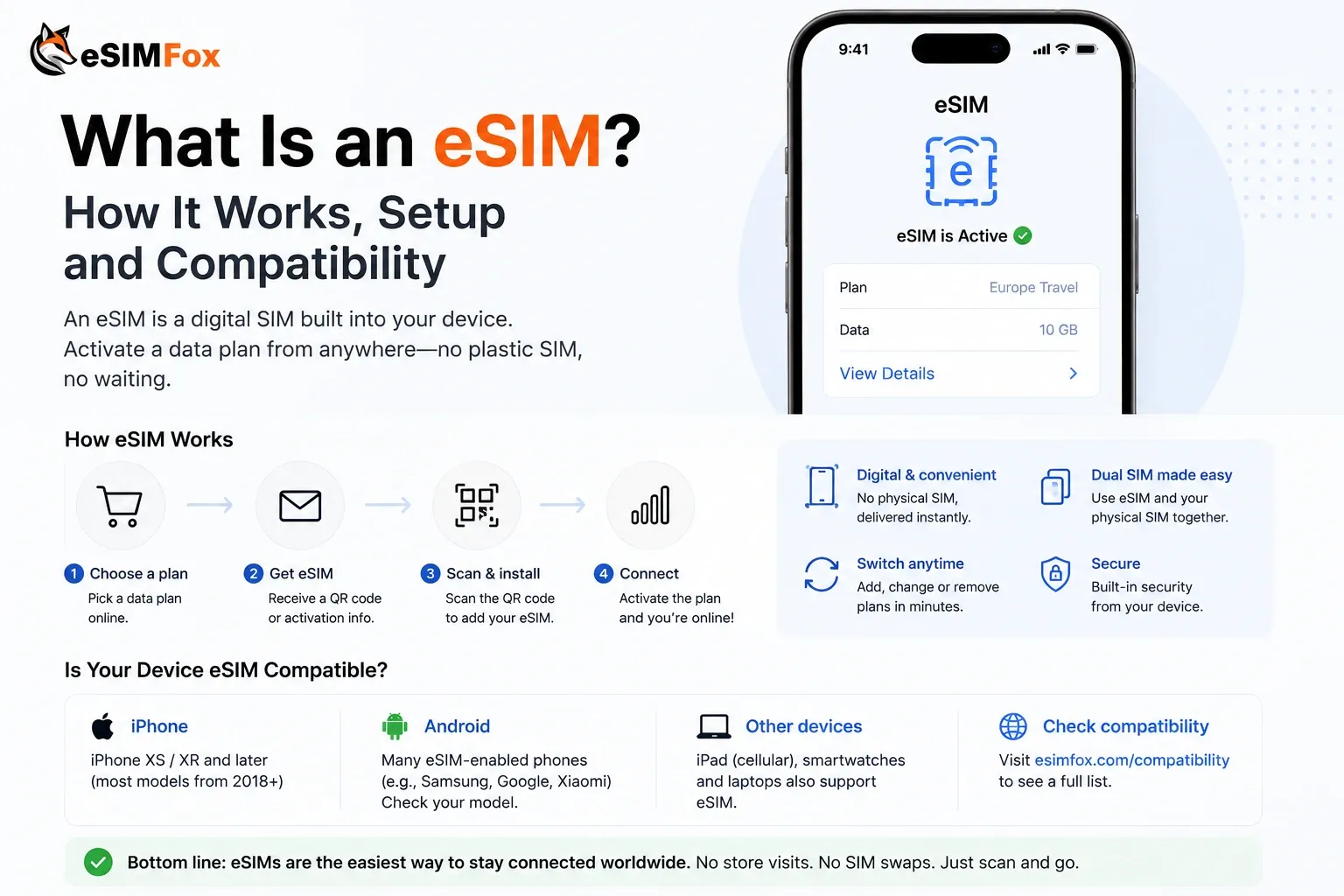
The SM-DP+ address is the internet address of the server that holds your eSIM profile. SM-DP+ stands for Subscription Manager Data Preparation, a role defined in the GSMA eSIM specifications. Your phone contacts this server to download your eSIM.
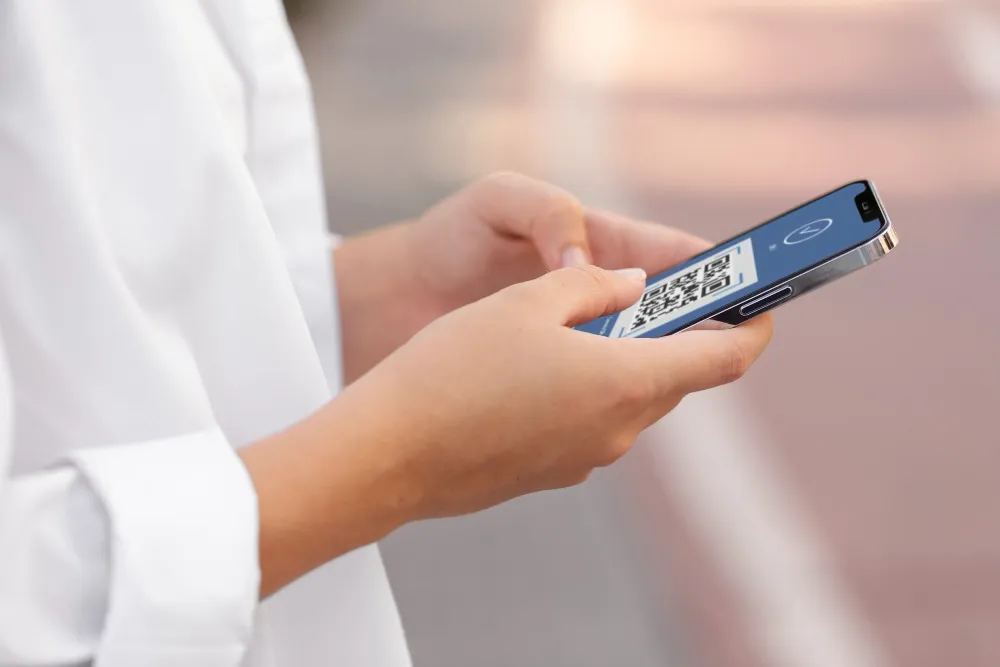
- You only need it for manual setup. When you scan the eSIM QR code, your phone reads the SM-DP+ address from the code by itself.
- It comes with an activation code. The SM-DP+ address says which server to contact. The matching ID (often just called the activation code) tells that server which eSIM profile is yours.
- Full format: an eSIM activation code looks like LPA:1$SM-DP+ address$matching ID.
- Where to enter it: on iPhone under Enter Details Manually, on Samsung Galaxy under Enter activation code.
People also search for it as "SM address", "SMDP address" or "SM-DP address". They all mean the same thing.
What the SM-DP+ server does
eSIM is a GSMA specification for remote SIM provisioning. Instead of inserting a plastic card, your phone securely downloads your provider's SIM profile (GSMA). The technical rules for consumer devices are in the GSMA specification SGP.22 (GSMA SGP.22).
In simple terms, it works like this:
- Your eSIM provider prepares an eSIM profile for you on its SM-DP+ server.
- You give your phone the activation code, either by scanning the QR code or by typing the details.
- The eSIM software on your phone (the Local Profile Assistant, or LPA) contacts the server at the SM-DP+ address.
- The matching ID tells the server which profile belongs to you. The profile downloads and installs on your phone's eSIM chip.
Apple and Google describe the same parts in their developer documentation. Apple calls the address "the address of the carrier network's eSIM server" and lists the matching ID and an optional confirmation code next to it (Apple Developer). Google's documentation notes that a server address can be read from the activation code to get more information about the profile (Android Developers).
The activation code format: LPA:1$...$...
The activation code format is defined in GSMA SGP.22. When the code is put into a QR code, it starts with LPA:. After that, the parts are separated by dollar signs ($):
Parts of an eSIM activation code (GSMA SGP.22, checked Nov 6, 2026)
| Part | Example | What it means |
|---|---|---|
| Prefix | LPA: | Marks the text as an eSIM activation code in a QR code |
| Format | 1 | The format of the activation code |
| SM-DP+ address | SMDP.GSMA.COM | The server that holds your eSIM profile |
| Matching ID | 04386-AGYFT-A74Y8-3F815 | Identifies your profile on that server |
| Optional extras | 1.3.6.1.4.1.31746 | Some codes add more fields at the end, such as the server's object identifier (OID) |
The example values come from Google's Android developer documentation: 1$SMDP.GSMA.COM$04386-AGYFT-A74Y8-3F815$1.3.6.1.4.1.31746 (Android Developers). It is a sample, not a working eSIM. Always use the exact details from your own order. Never copy an SM-DP+ address from a website or another person.
Where you find your SM-DP+ address
- In your eSIM email or account. Providers usually send a QR code plus the details for manual setup.
- Inside the QR code. The QR code contains the full activation code, including the SM-DP+ address.
- At eSIMFOX: according to the eSIMFOX product page, your eSIM is delivered instantly by email and in your dashboard, and you can install it by QR code or manually. For manual setup on iPhone, eSIMFOX tells you to choose Enter Details Manually and paste the SM-DP+ address and activation code from your eSIMFOX email.
Need data in Turkey? Get an eSIM.
Choose a Turkey eSIM plan and stay connected without roaming fees.
See all Turkey data plansHow to enter the SM-DP+ address manually
Connect to Wi-Fi first. Apple says your iPhone must be connected to a Wi-Fi network or hotspot to set up an eSIM (Apple).
iPhone
- Open the Settings app.
- Tap Cellular (or Mobile Data).
- Tap Add Cellular Plan. Apple's iPhone User Guide also shows the path Set Up Cellular or Add eSIM, then Use QR Code.
- Tap Enter Details Manually at the bottom of the screen.
- Enter the SM-DP+ address and the activation code exactly as your provider gave them.
- If you are asked for a confirmation code, enter the number your provider gave you.
Sources: Set up eSIM on iPhone and the iPhone User Guide. Tip from Apple: on iOS 17.4 or later, if the QR code is in your email app or browser on the same iPhone, you can tap and hold it and choose Add eSIM. Then you don't need to type anything.
Samsung Galaxy
- Go to Settings > Connections > SIM manager.
- Tap Add eSIM, then Scan QR code.
- Tap Enter activation code.
- Enter the activation code from your provider. The eSIM then downloads.
Source: Samsung Support. Samsung asks for one activation code. If your provider gives you a code that starts with LPA:1$, it already contains the SM-DP+ address.
Google Pixel
Go to Settings > Network & internet > SIMs > Add SIM > Set up an eSIM and follow the steps on the screen (Google Pixel Help). If you can't scan a QR code, look for a manual entry option on that screen or ask your provider. Google notes that the process can differ slightly by carrier. On other Android phones, the menu names can also be different.
Why do you need the SM-DP+ address?
Most of the time you don't. Scanning the QR code is faster, and your phone reads the SM-DP+ address from it. Manual entry helps when:
- The QR code is on the same phone you want to install the eSIM on, and your phone can't add it from the email.
- The QR code won't scan, for example because of a bad print or a cracked screen.
- Your provider sent the details as text only.
Common mistakes with the SM-DP+ address
Common SM-DP+ mistakes and fixes
| Mistake | What to do instead |
|---|---|
| Typos, extra spaces or added "https://" | Copy and paste the address exactly as your provider gave it |
| Mixing up the fields | Put the SM-DP+ address and the activation code in their own fields. A single code starting with LPA:1$ already contains both |
| Opening the address in a browser | It is not a web page. Only your phone's eSIM setup uses it |
| No internet during setup | Connect to Wi-Fi or a hotspot before you start, as Apple recommends |
| Deleting the eSIM to "try again" | Check your cellular settings first. The eSIM is often already installed |
| Phone is carrier-locked | eSIMFOX requires an unlocked, eSIM-compatible phone. Ask your carrier to unlock it |
| Copying an SM-DP+ address from the internet | Use only the details from your own order |
If your iPhone says "This code is no longer valid", eSIMFOX's install guide explains that the eSIM is usually already installed or the code was already used. Look for a new line in your cellular settings and don't delete it (eSIM installation guide). More help: This code is no longer valid and Unable to activate eSIM.
Still stuck? Apple recommends turning Airplane Mode on and off, turning the line off and on again in Cellular settings, restarting and checking for a carrier settings update under Settings > General > About (Apple). eSIMFOX customers can reach support 24/7 via WhatsApp or at support@esimfox.com.
Keep your activation code private
Your QR code and activation code are what let a phone download your eSIM profile. Don't post them online or share screenshots of them. Send them only to your eSIM provider's support if they ask.
Sources
- GSMA: What is eSIM for consumer, eSIM specifications, SGP.22 v2.3 technical specification (PDF), checked Nov 6, 2026.
- Apple: Set up eSIM on iPhone, Set up cellular service (iPhone User Guide), If you can't set up an eSIM, CTCellularPlanProvisioningRequest, checked Nov 6, 2026.
- Google: Set up a new eSIM on Pixel, Android DownloadableSubscription reference, checked Nov 6, 2026.
- Samsung: Galaxy eSIM setup, checked Nov 6, 2026.