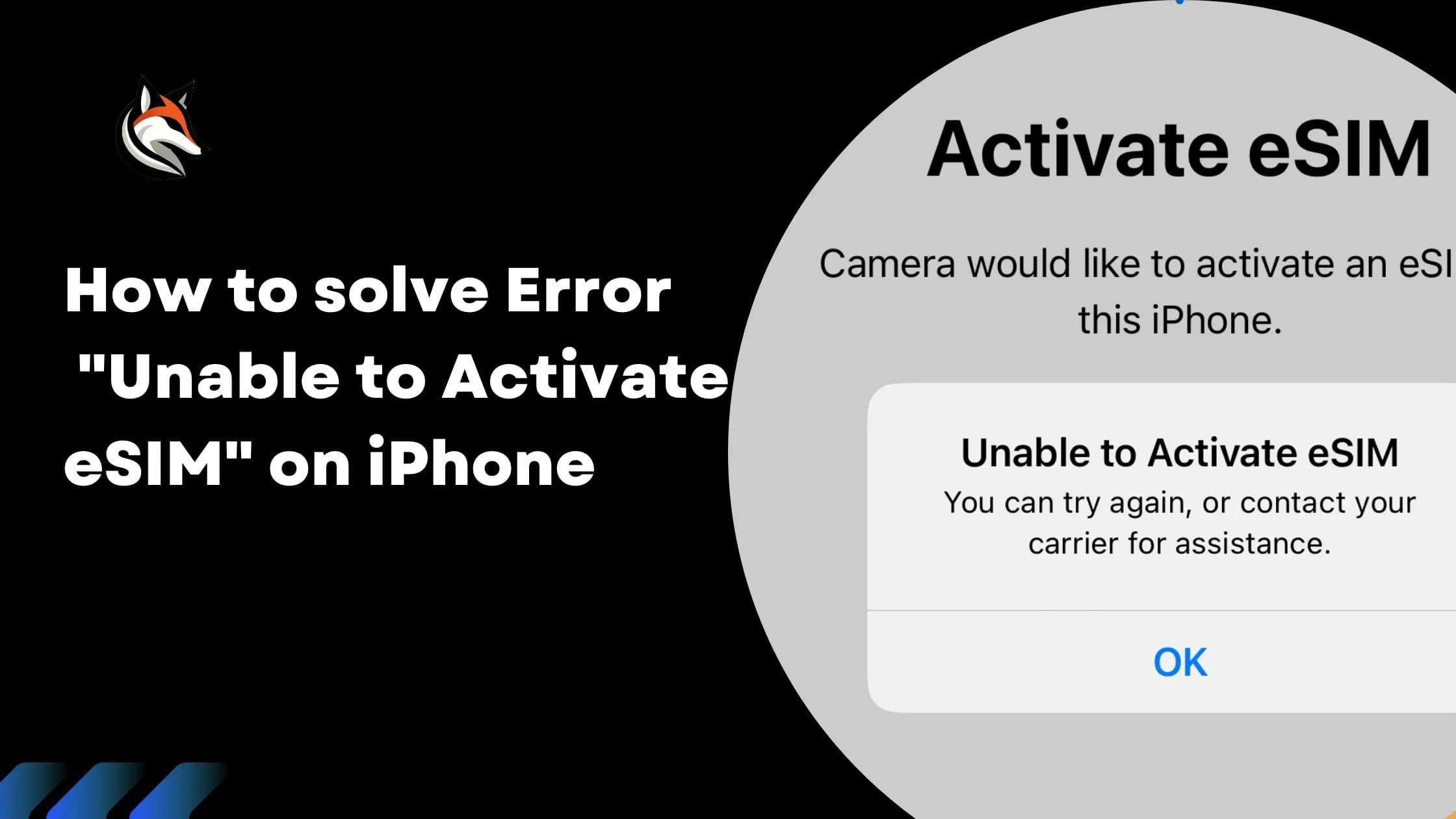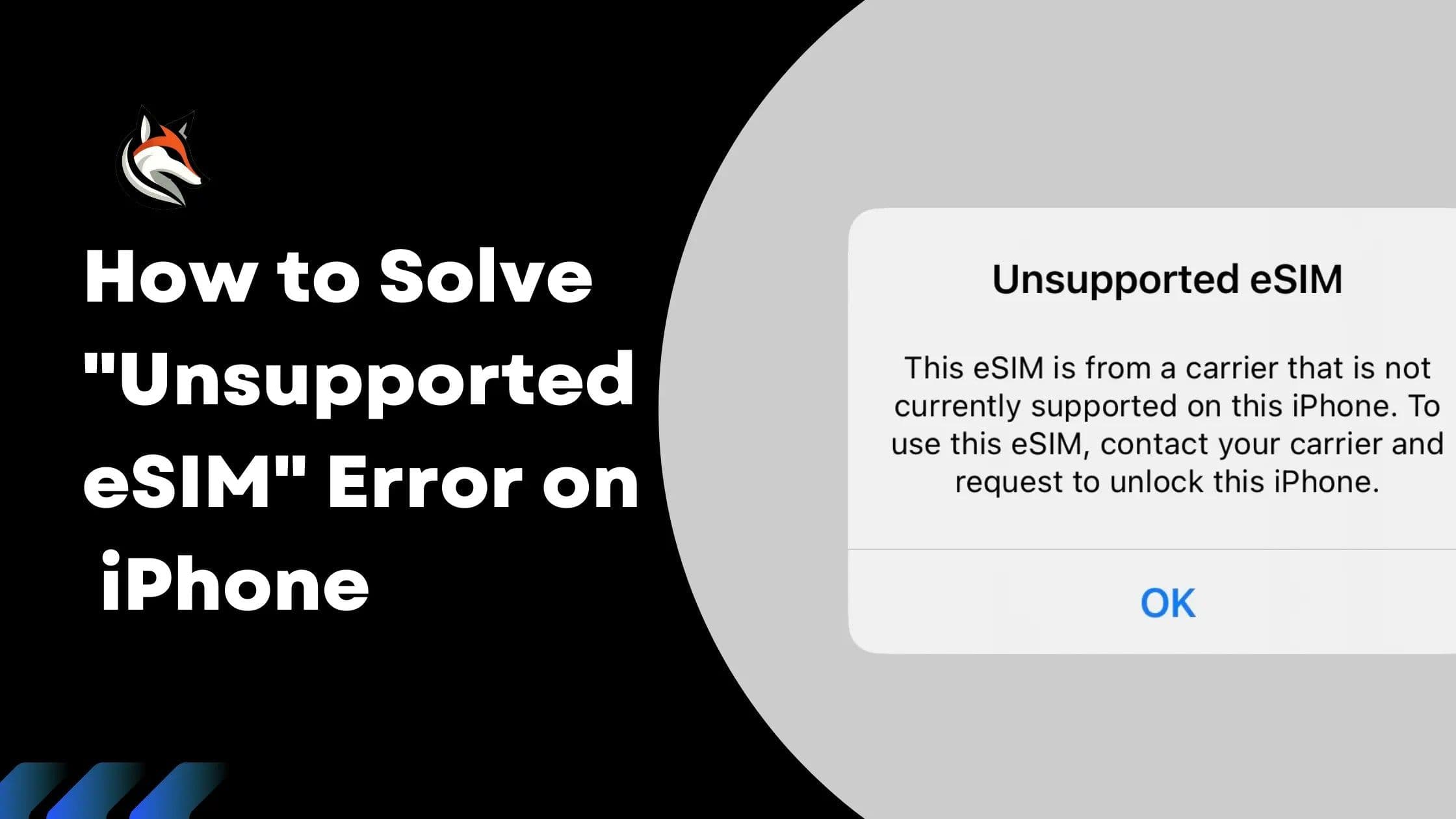
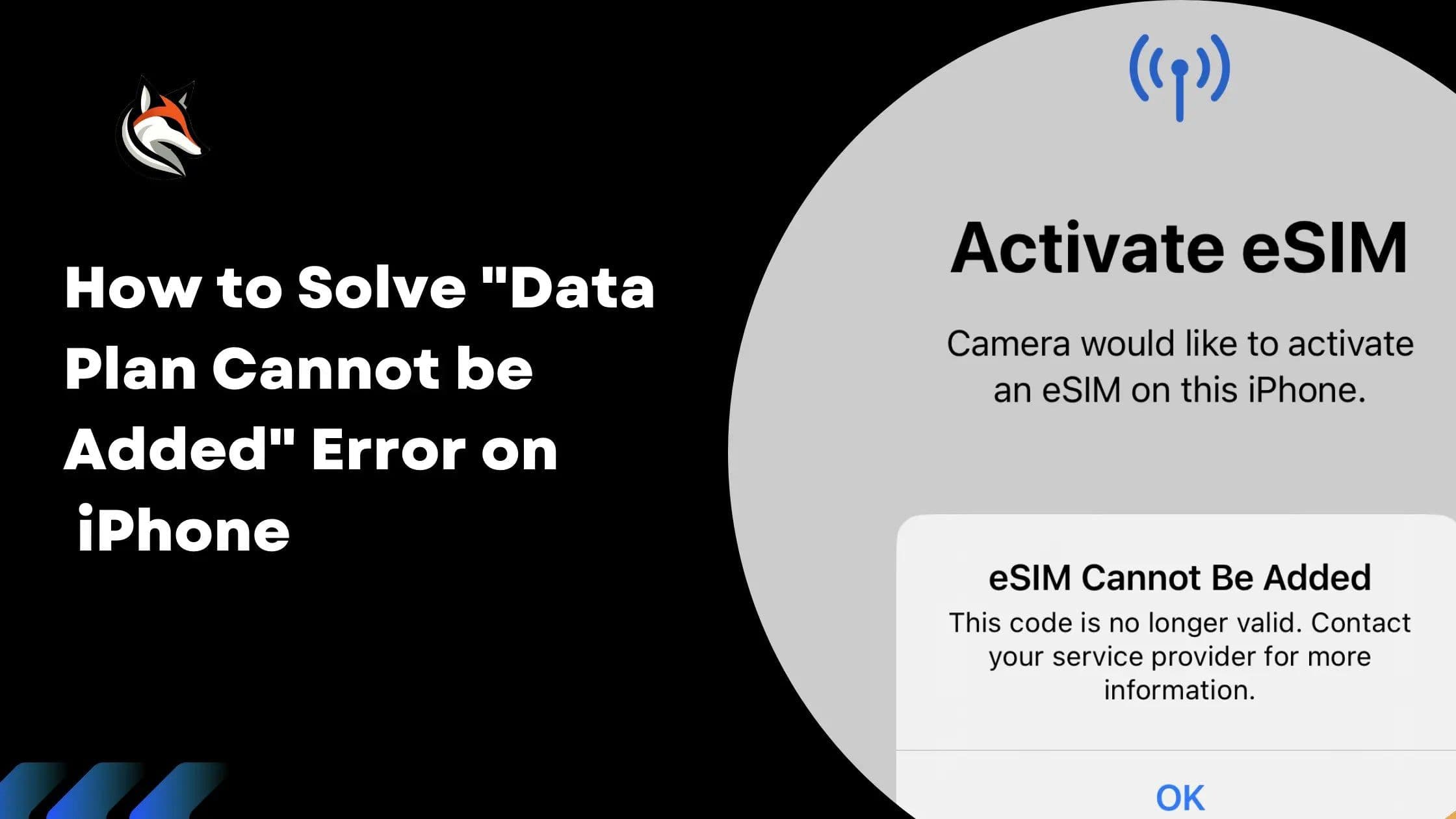
Encountering the error message eSIM Cannot Be Added "This code is no longer valid. Contact your carrier for more information." can be a stumbling block when activating your eSIM via QR code or manual activation code on your iPhone.

Solution
1. Check Internet Connection
Before proceeding to resolve this issue, ensure your phone has a working Wi-Fi or cellular internet connection. An active internet connection is necessary to verify and activate the eSIM.
2. eSIM is Already Installed
Often, this error occurs because the eSIM is already installed on your phone, a process that might have completed in the background after scanning the QR code. To check and confirm the eSIM setup, follow these steps:
Open Settings: Navigate to the settings menu on your iPhone.
Tap Cellular: In some regions, this might be listed as 'Mobile Data'.
Tap Cellular Data: Located at the top of the Cellular menu, select the eSIM plan here to set the phone to use the eSIM for data connections.
Return to Cellular Menu: Scroll down and tap on your eSIM plan, which might be labeled 'Personal', 'Travel', or 'Secondary'.
Confirm "Turn On This Line" is ON: Ensure this setting is activated.
Confirm "Data Roaming" is ON: Also, make sure data roaming is enabled.
If you locate the eSIM and the settings are accurately configured, your eSIM should be set to connect automatically upon your arrival. No additional steps are necessary.
Get Support
If you've followed the above steps and determined that the eSIM has not been installed on your device, or if you're still facing the error, further assistance is needed. Please contact us, and we will be happy to help ensure your eSIM is activated and fully functional.
By addressing the "This code is no longer valid" error with these solutions, you can navigate past this issue and enjoy the seamless experience eSIM technology offers on your iPhone.
Stay connected on your next trip
Browse eSIM plans for 200+ destinations and activate in 60 seconds.