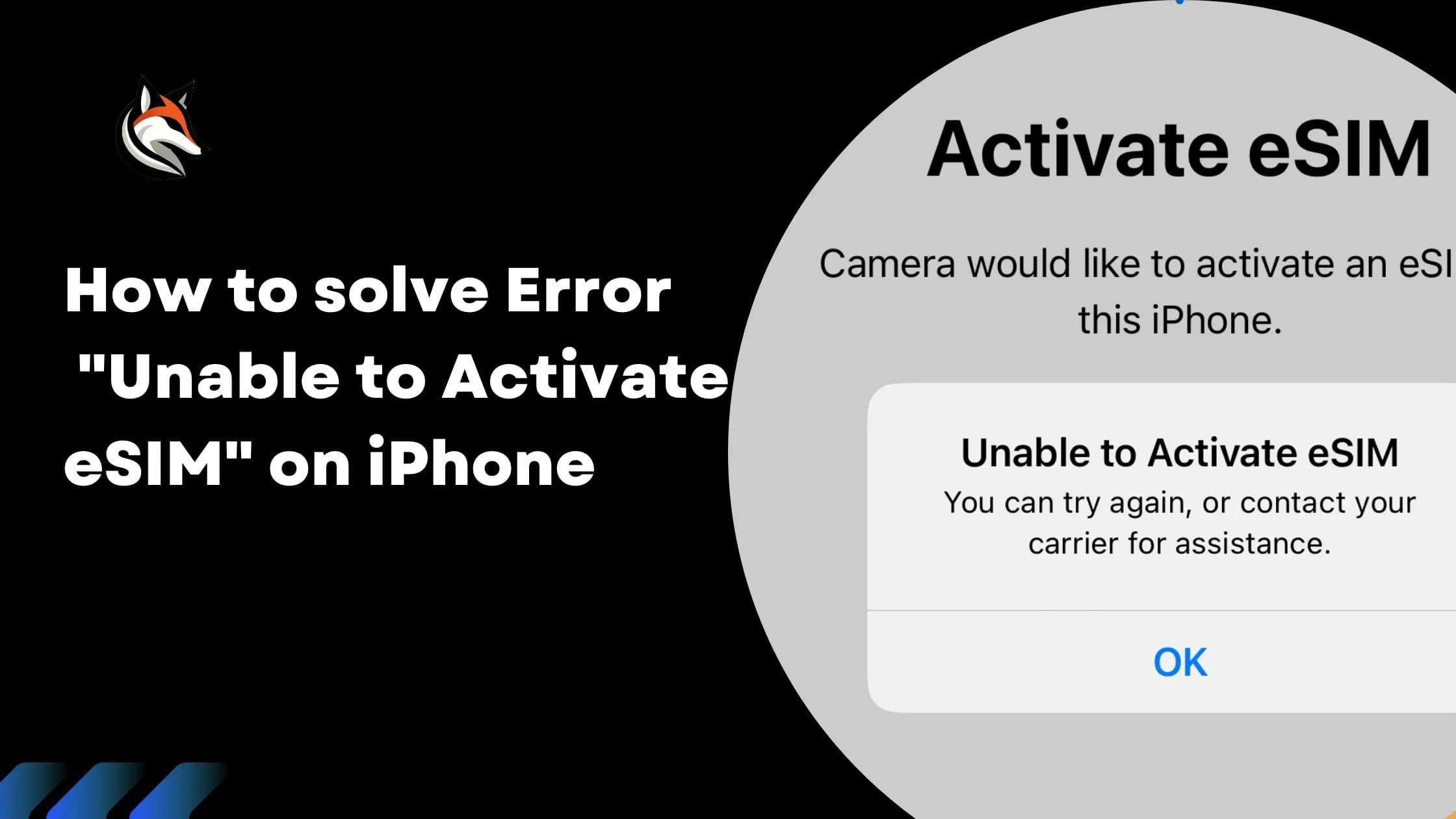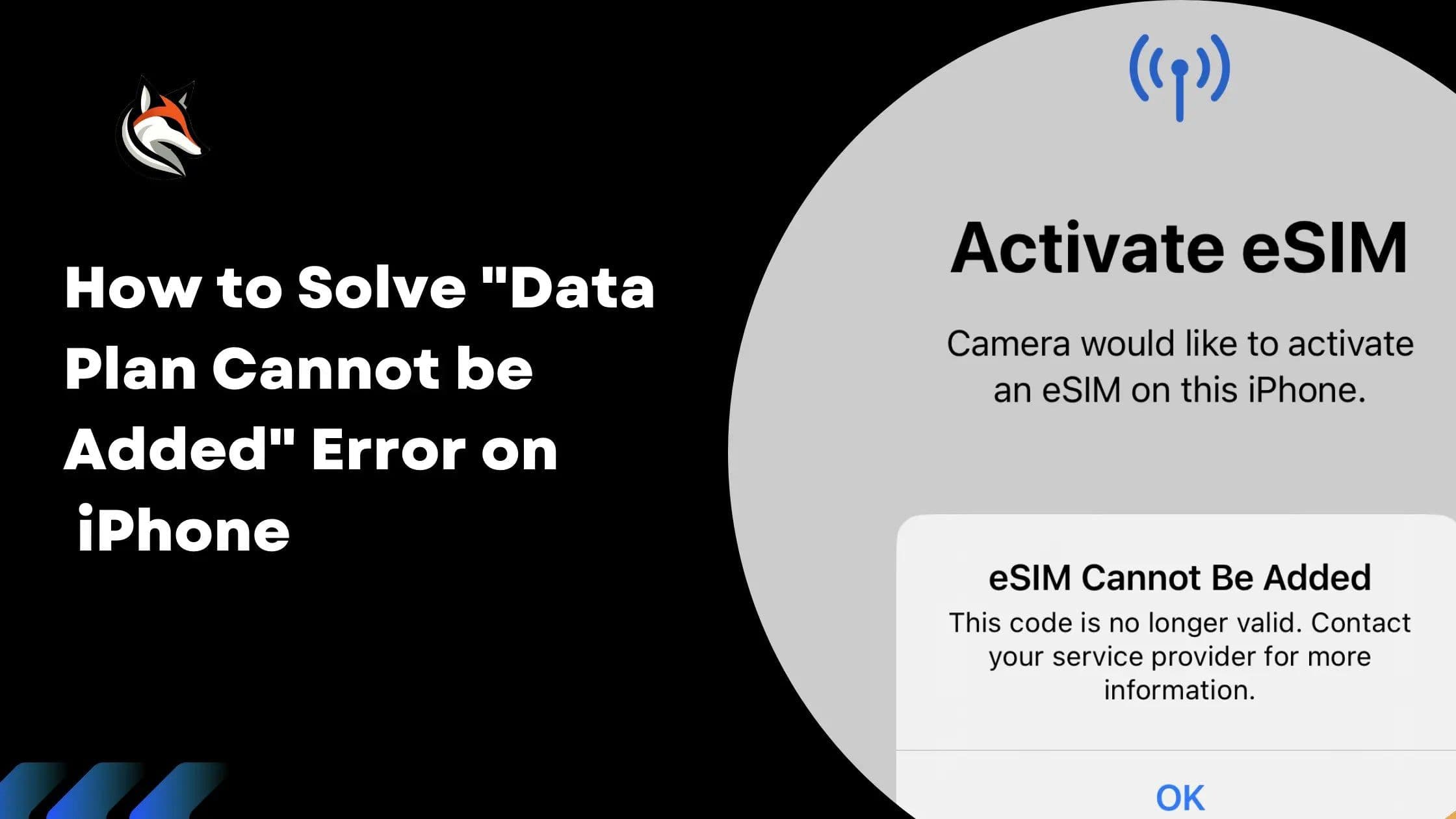
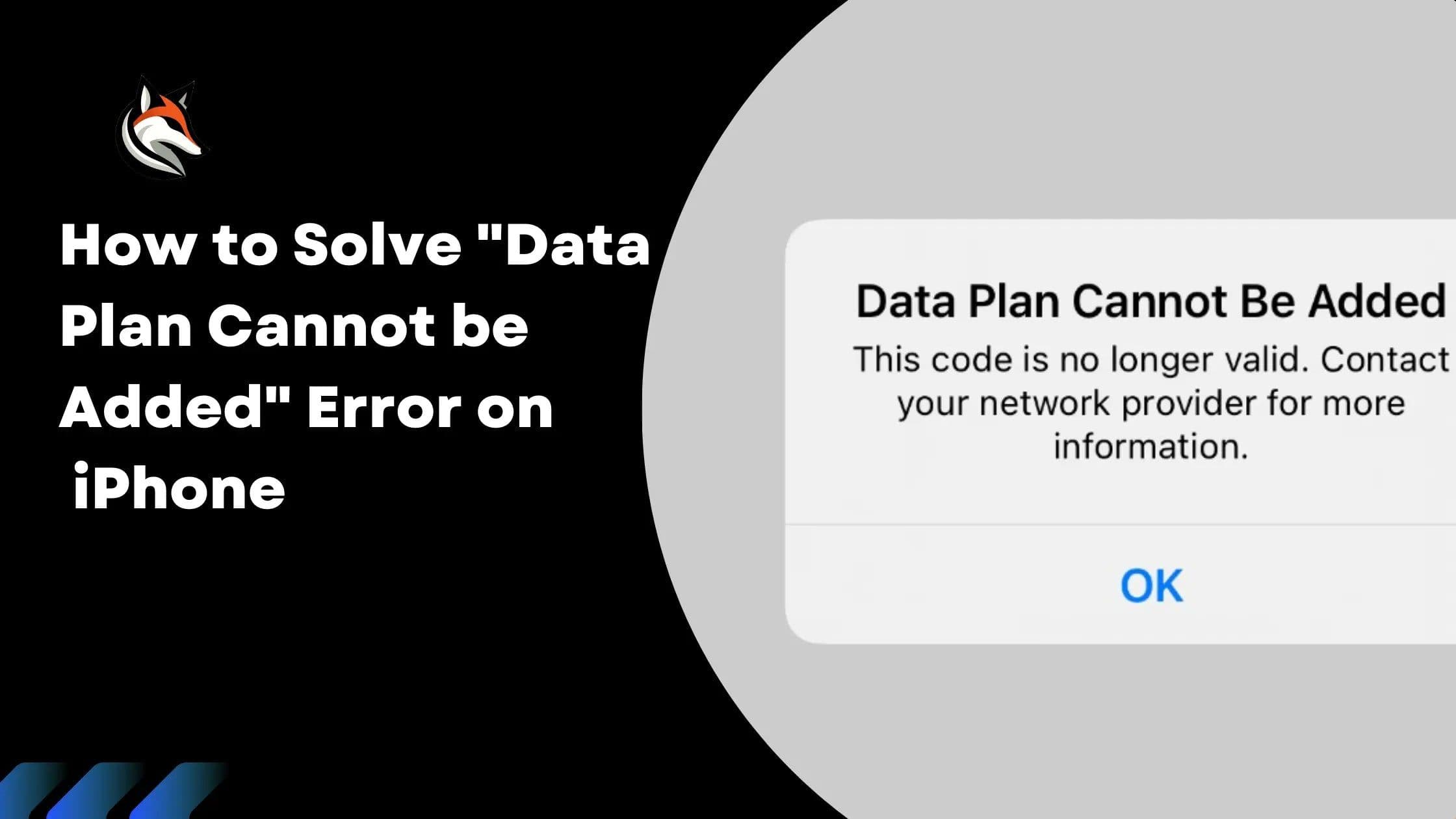
Encountering the error message "This code is no longer valid" can be quite frustrating when attempting to install an eSIM on your iPhone. This typically indicates that the QR code you're using has already been used or has expired.
This guide provides insights into understanding and resolving this issue.
Understanding the Error
For iOS 15 and earlier versions, you might see a message such as "Cellular Plan Cannot Be Added". It's crucial to recognize that QR codes for eSIM activation are designed for single use. If the activation or installation process is interrupted, the QR code is likely rendered invalid. This measure ensures the security of the eSIM profile, preventing unauthorized duplication or use.
Additionally, deliberately deleting an installed eSIM should be done with caution, only if you're sure it's no longer needed, to avoid unnecessary complications.
How to Fix
Unfortunately, there isn't a direct fix once a QR code is deemed invalid. The appropriate course of action is to contact us directly. You will need to request a new QR code to proceed with the eSIM installation.
Other Causes of the Error:
- eSIM Previously Added and Removed: If you've already used this eSIM on your device and removed it, you can't add it again. It's a one-time use situation.
- Poor Connection During Installation: A stable internet connection is crucial when installing an eSIM. The installation process might fail if your connection is weak or keeps dropping.
- VPN Interference: An active VPN can sometimes disrupt the eSIM setup. It can confuse the installation process, leading to errors.
- Too Many eSIMs on the Device: Your device can only handle a certain number of eSIMs. If you've reached this limit, you won't be able to add another one.
In summary, these are common reasons for the error. Knowing them can help you avoid or fix the issue more efficiently.
If you find yourself frequently encountering this issue, it might be beneficial to review the eSIM installation process to ensure that it's completed successfully on the first attempt. Always ensure that your internet connection is stable during the process, as disruptions can lead to activation failures.
Stay connected on your next trip
Browse eSIM plans for 200+ destinations and activate in 60 seconds.