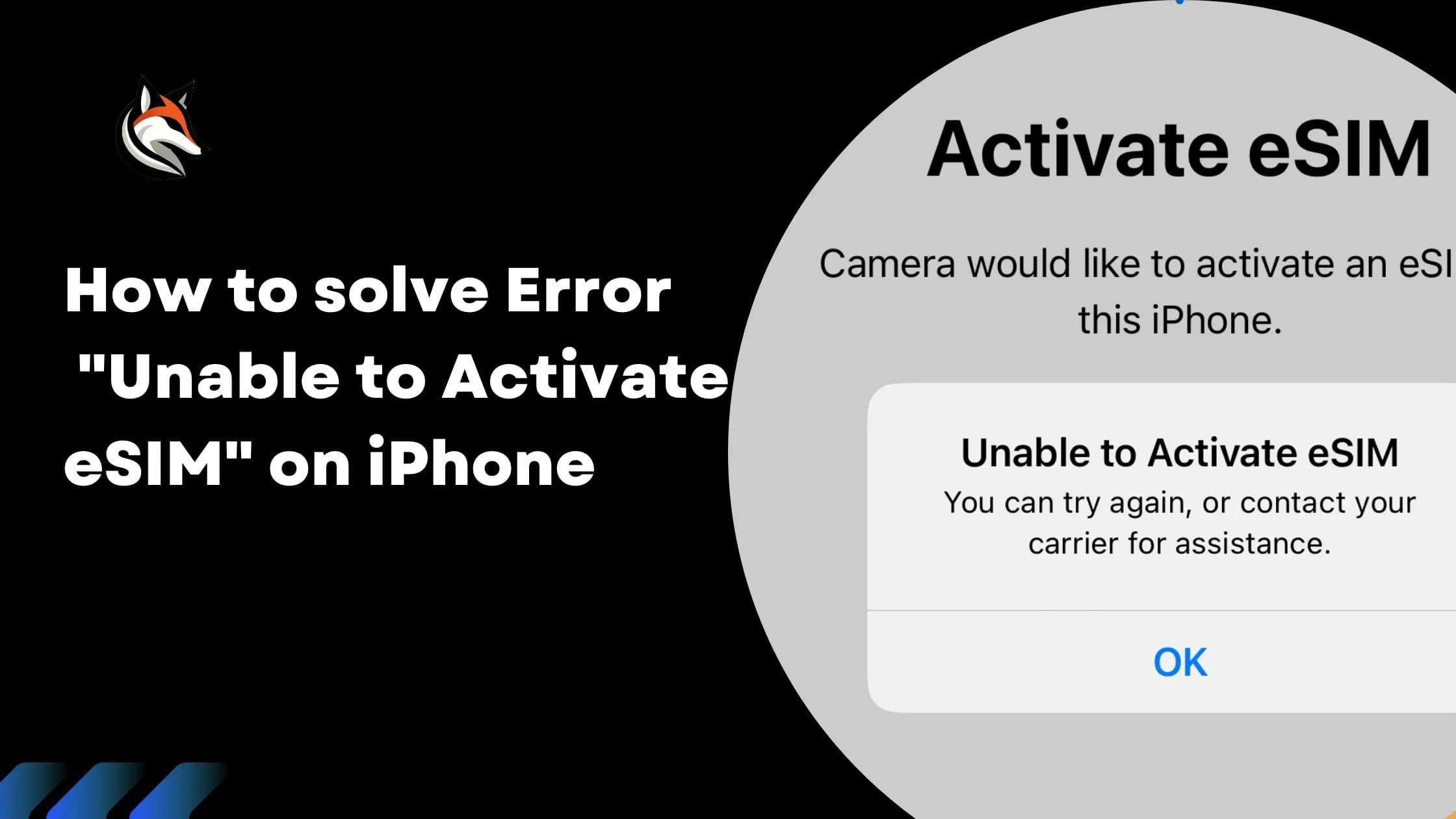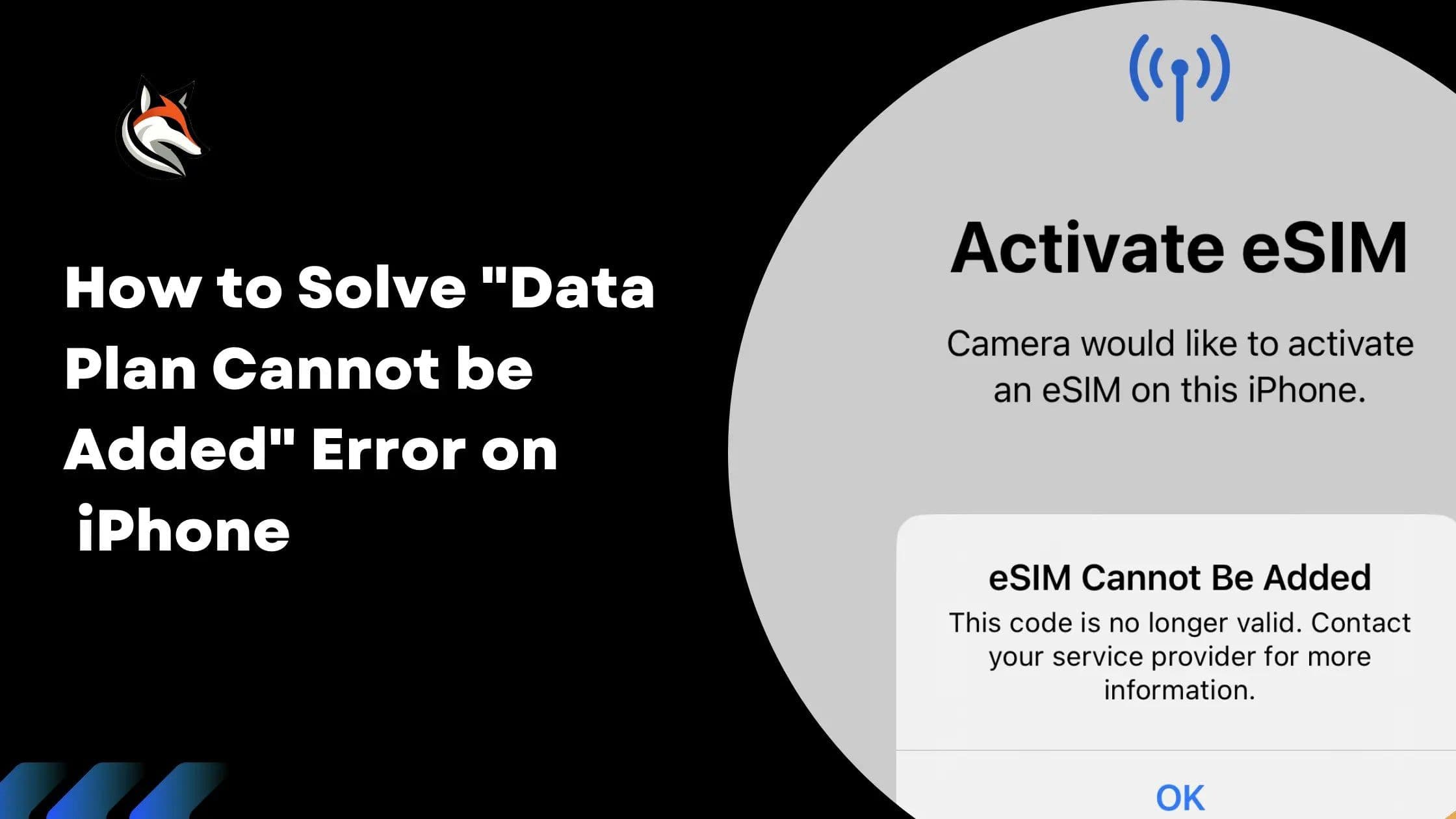
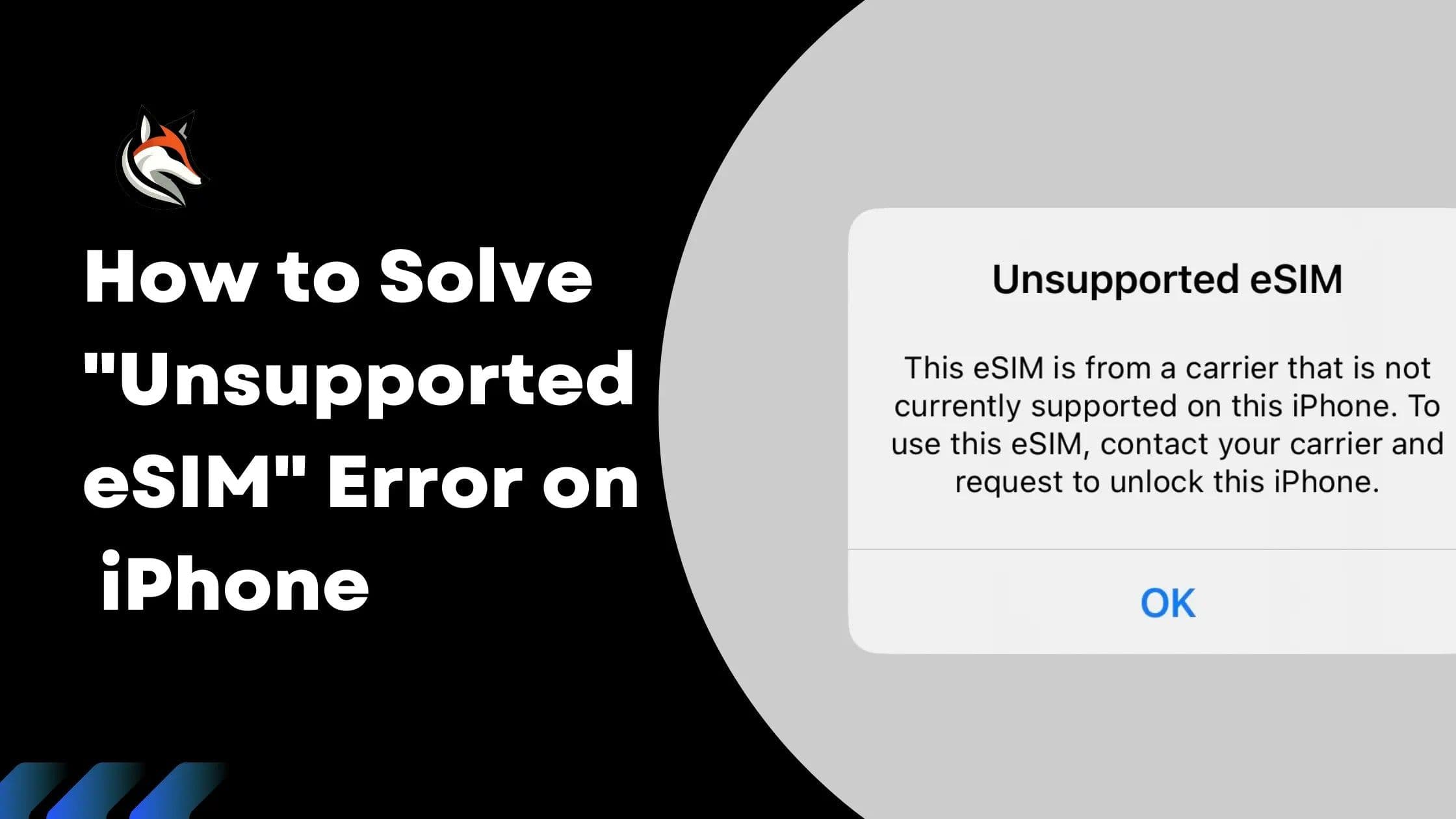
Encountering an "Unsupported eSIM" error can be frustrating This message, "This eSIM is from a carrier that is not currently supported on this iPhone," typically appears after trying to activate your eSIM via QR code or manual activation code. It indicates that your iPhone is carrier-locked and doesn't permit installing plans from other carriers.

Understanding Carrier Lock
When an iPhone is carrier-locked, it's tethered to a specific mobile network carrier, usually the one that sold you the device. This means it can only use an eSIM or SIM card from that carrier and won't work with services from other carriers. iPhones sold directly by Apple, however, are generally unlocked and can operate with any carrier's eSIM or SIM card.
Checking If Your iPhone is Carrier-Locked
To verify your iPhone's lock status, follow these steps:
- Open the Settings app on your iPhone.
- Tap on General then About.
- Scroll down to the Carrier Lock row. If it says "No SIM restrictions," your iPhone is unlocked. Any other message indicates it's locked to a specific carrier.
Solution: Unlocking Your iPhone
Only the carrier to which your iPhone is locked can unlock it. Here's how to request an unlock:
Contact your carrier's Customer Service via phone or live chat.
Request an unlock for your device. This is often done over-the-air and may take a few days to process.
Note: Some carriers may have a mandatory period post-purchase before they will unlock a device.
While third-party services offer unlocking for a fee, exercise caution and conduct thorough research before proceeding. These methods can be risky and might compromise your device's security or warranty.
Conclusion
If you've followed the above steps and verified that your eSIM is not installed on your phone, or if you're still facing issues, contacting your carrier is the best course of action. They will provide the necessary support to resolve this issue, ensuring your eSIM is functional and your iPhone is fully capable of enjoying the flexibility that eSIM technology offers.
Stay connected on your next trip
Browse eSIM plans for 200+ destinations and activate in 60 seconds.