Quick answer: free Wi-Fi at Gatwick
Yes, Wi-Fi at Gatwick is free and unlimited. According to London Gatwick, the free Wi-Fi runs at up to 50 Mbps, and you can get 100 Mbps for free by signing up to myGatwick.
- Network name: Free Gatwick Wi-Fi Vinci Airports.
- How it works: join the network, choose "Free Superfast Wi-Fi" and enter a valid email address.
- Faster option: 100 Mbps with a free myGatwick account, or Premium Wi-Fi for £5 per 24 hours.
- Charging: free charging points in both terminals, before and after security.
- Visiting the UK? For data from the moment you land, an eSIMFOX UK eSIM starts at €1.99 for 1 GB (product page).
How to connect to Gatwick Wi-Fi
Gatwick lists these steps on its Wi-Fi and charging page. Gatwick says free Wi-Fi is available throughout the airport:
- Open the list of Wi-Fi networks on your phone, tablet or laptop.
- Select Free Gatwick Wi-Fi Vinci Airports. Gatwick's FAQ calls it "Free Gatwick Wi-Fi", so look for a name that starts with that.
- A pop-up with a sign-up form appears. Choose Free Superfast Wi-Fi for the free connection of up to 50 Mbps.
- Enter a valid email address. Your session starts shortly afterwards.
Gatwick says the free Wi-Fi is fine for email, social media and streaming music and movies while you wait. Good to know: internet and printing kiosks are no longer available in the North or South Terminal, so Gatwick suggests using the free Wi-Fi to download your boarding pass (Gatwick FAQ).
Free vs faster Wi-Fi at Gatwick
Wi-Fi options at London Gatwick (as of November 6, 2026)
| Option | Speed | Cost | How to get it |
|---|---|---|---|
| Free Wi-Fi | Up to 50 Mbps, unlimited | Free | Join Free Gatwick Wi-Fi Vinci Airports, choose Free Superfast Wi-Fi, enter your email |
| Superfast Wi-Fi via myGatwick | 100 Mbps | Free (myGatwick account) | Sign up to myGatwick |
| Premium Wi-Fi | 100 Mbps (same speed as myGatwick) | £5 for 24 hours; longer packages available | Pay for Premium Wi-Fi access |
Gatwick suggests the 100 Mbps option for downloading large files or movies before your flight. For most people, the free 50 Mbps connection is enough. Source: London Gatwick.
Where to charge your phone at Gatwick
Gatwick has free charging points in both terminals, before and after security (Gatwick FAQ):
- South Terminal, before security: power outlets near Caffè Nero, opposite the escalator.
- South Terminal, after security: charging points in the seating in the departure lounge.
- North Terminal, before security: plug sockets near the easyJet check-in on level 1.
- North Terminal, after security: charging points in the seating in the departure lounge.
- Restaurants and bars: many have USB and power points at tables or counters.
Gatwick Wi-Fi not working? Quick fixes
- Check that Wi-Fi is on and Airplane Mode is off (Apple).
- Make sure you joined the Free Gatwick Wi-Fi network and not a look-alike name.
- No sign-up form? Tap the network name and wait for the login screen. On an iPhone you can also tap the info button next to the network name and then Join Network (Apple).
- Using a VPN or a security app? These can block the sign-up page. Apple's troubleshooting starts by removing them, so turn yours off until you are connected.
- Restart your phone and join the network again.
- Still offline? Use mobile data, or a travel eSIM if you are visiting from abroad.
Is Gatwick airport Wi-Fi safe?
For everyday use, usually yes. The US Federal Trade Commission says most websites now use encryption, so "connecting through a public Wi-Fi network is usually safe" (FTC). Check for the lock symbol or https in your browser. The real risk is fake websites and look-alike networks, so join only the network Gatwick names, use two-factor authentication and keep your phone updated.
Visiting the UK? When an eSIM beats airport Wi-Fi
Gatwick's Wi-Fi is fast and free inside the terminal. It does not help once you are on the train into London, in a taxi or out exploring. A UK eSIM makes sense if you:
- need maps, messages or a ride app as soon as you leave the terminal;
- want to avoid roaming charges from your home carrier;
- want data for your whole trip, not just the airport.
What you get with an eSIMFOX UK eSIM, according to the product page: the Vodafone, O2 and EE networks, 4G/5G where available, data only (no UK phone number), no ID verification and 24/7 support on WhatsApp. The validity starts with the first network connection in the United Kingdom, not when you buy.
eSIMFOX UK eSIM prices (as of November 6, 2026)
| Plan | Validity | Price | Per GB or note |
|---|---|---|---|
| 1 GB | 7 days | €1.99 | €1.99 |
| 3 GB | 15 days | €3.99 | €1.33 |
| 5 GB | 30 days | €6.99 | €1.40 |
| 10 GB | 30 days | €11.99 | €1.20 |
| 20 GB | 30 days | €22.99 | €1.15 |
| 50 GB | 30 days | €49.99 | €1.00 |
| Unlimited | 7 days | €23.99 | 2 GB per day at high speed, then up to 1 Mbps; hotspot supported |
Prices are in euros as listed on esimfox.com; the product page can also show them in pounds. For a one-week city break, 5 GB or 10 GB covers most people.
Current eSIMFOX plans for United Kingdom
Buy a United Kingdom eSIM from €1.99
New to eSIMFOX? The code UNITEDKINGDOM10 takes 10% off your first eSIM (new customers only, one use per account).
10% off
Exclusive reader bonus
Get an extra 10% off your first eSIMFOX eSIM as a thanks for reading.
UNITEDKINGDOM10New customers only. One use per account. Subject to change.
Flying out of Gatwick?
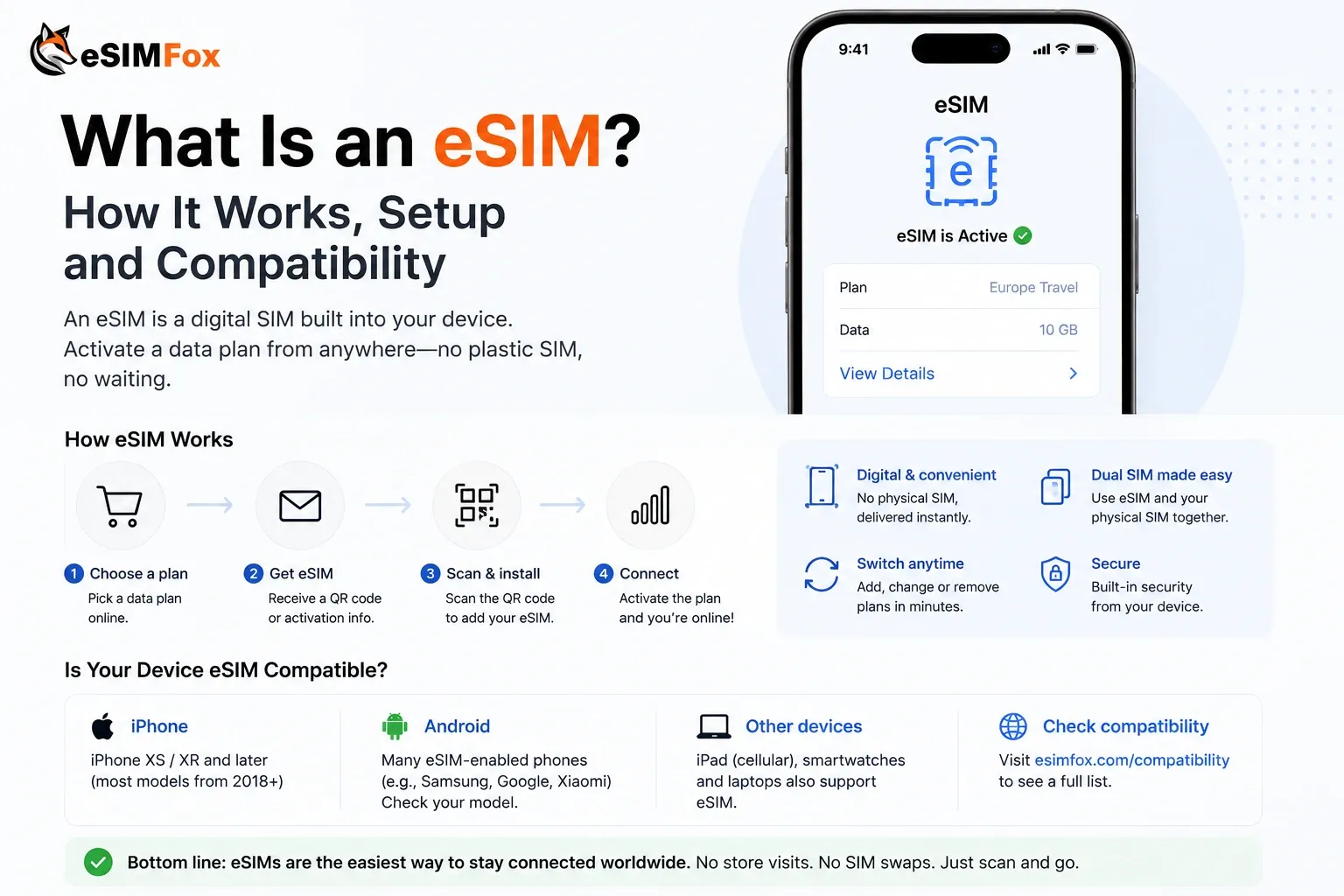
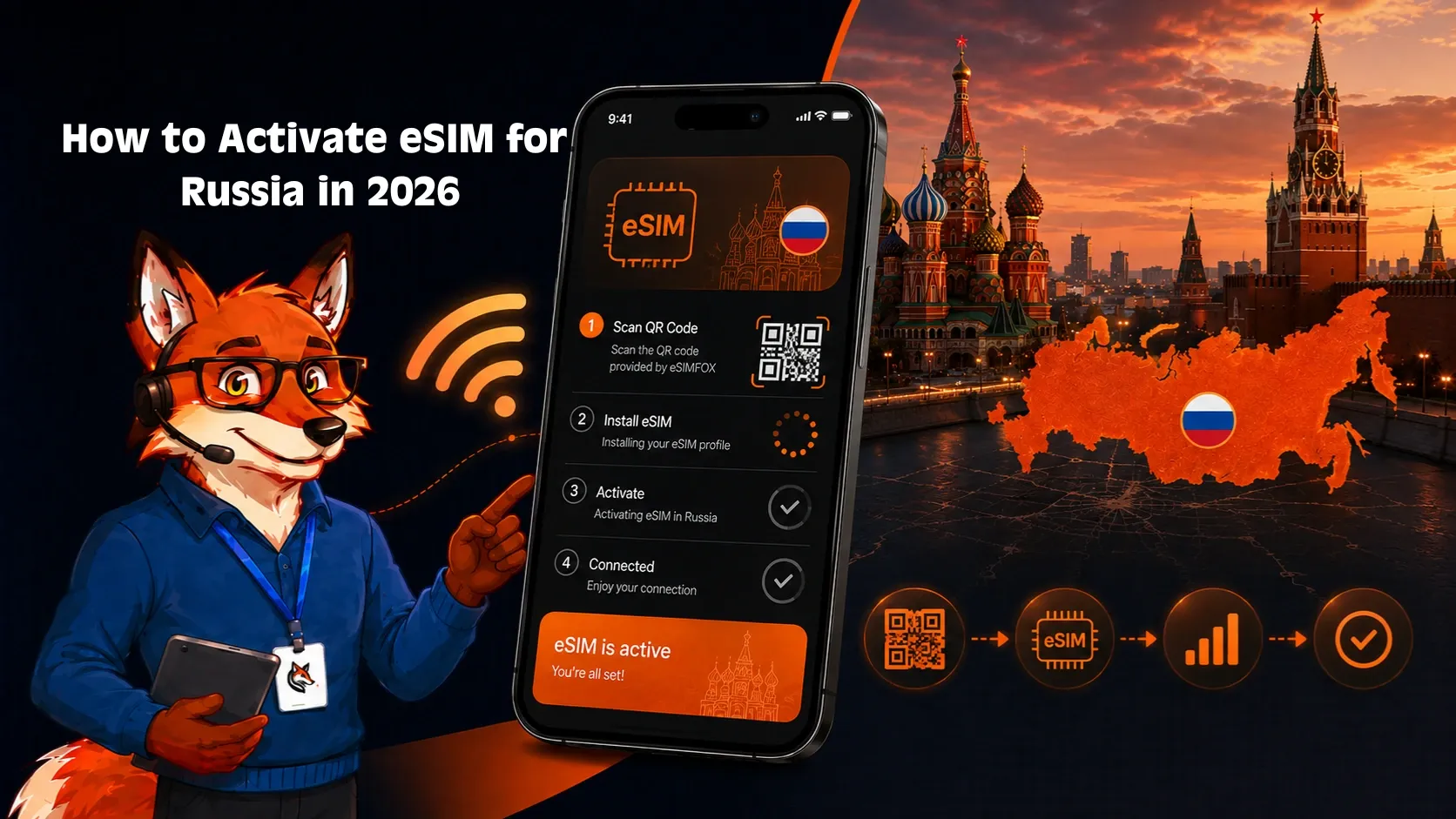
Use the free Wi-Fi to set up your next trip: buy an eSIM for your destination (all destinations) and install it at the gate. If the QR code is on the same phone, enter the details manually instead. Our installation guide shows how, and the compatibility list tells you whether your phone supports eSIM.
Sources
- London Gatwick: Wi-Fi and charging, At the Airport FAQs, checked November 6, 2026.
- Apple Support: Use captive Wi-Fi networks, If you can't connect to Wi-Fi, checked November 6, 2026.
- Federal Trade Commission: Are public Wi-Fi networks safe?, checked November 6, 2026.
- eSIMFOX: eSIM United Kingdom product page, prices checked November 6, 2026.
Related guides
Frequently Asked Questions
Is Wi-Fi free at Gatwick Airport?
What is the Gatwick Wi-Fi network called?
How do I connect to Gatwick free Wi-Fi?
Is there a time limit on Gatwick Wi-Fi?
How do I get faster Wi-Fi at Gatwick?
Where can I charge my phone at Gatwick?
Can I print my boarding pass at Gatwick?
Is Gatwick Wi-Fi safe to use?
Do I need a UK eSIM if Gatwick has free Wi-Fi?
How much does an eSIMFOX UK eSIM cost?
Stay connected on your next trip
Browse eSIM plans for 200+ destinations and activate in 60 seconds.