WiFi networks at Mexico City Airport
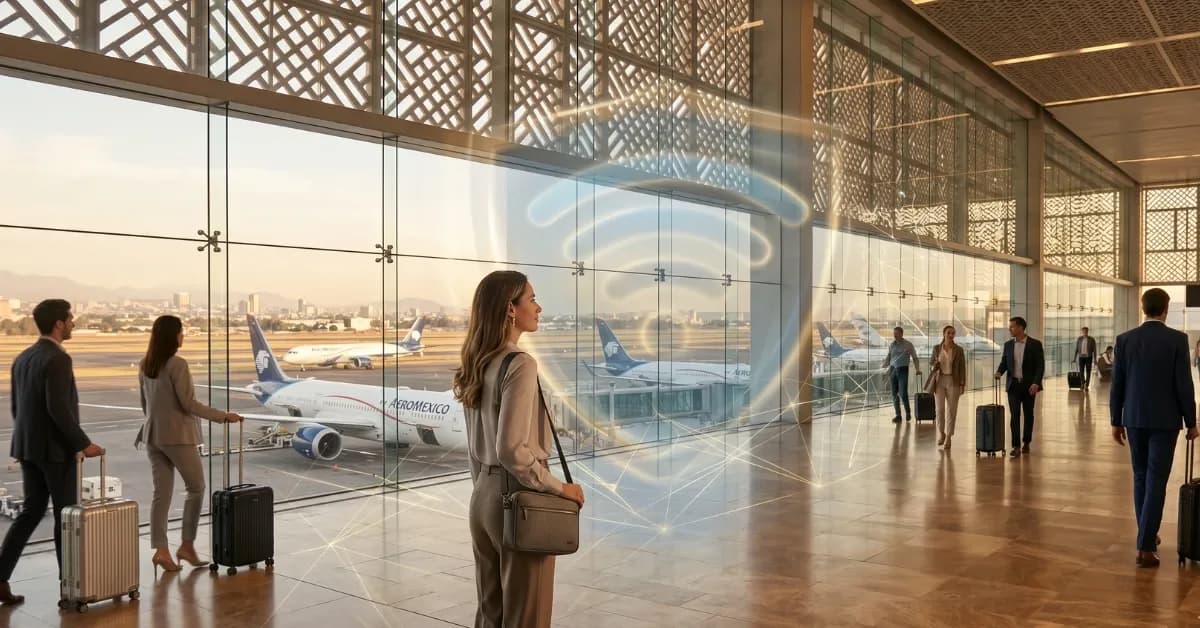
Mexico City International Airport (MEX) provides free WiFi across Terminal 1 and Terminal 2. The primary network is labeled "WIFI-AEROPUERTO" and requires no password. Connection is straightforward: select the network, open a browser, and accept the terms of service. Most travelers connect within 60 seconds of landing.
The table below lists the main WiFi options at MEX, including the official airport network and a few paid alternatives available in lounges or retail areas.
WiFi networks at Mexico City Airport
WiFi networks at Mexico City Airport — operator, network type, coverage notes
| Operator | Network type | Coverage notes |
|---|---|---|
| WIFI-AEROPUERTO (official) | Free WiFi | Both terminals, no password, browser sign-in required |
| Lounge WiFi (Aeromexico Salon Premier) | Free WiFi (lounge access required) | Terminal 2, faster speeds, lounge membership or day pass needed |
| Starbucks / retail WiFi | Free WiFi (purchase required) | Scattered locations, variable speed, purchase expected |
| Telcel / AT&T hotspots | Paid mobile hotspot | Carrier-specific, requires existing plan or prepaid credit |
WiFi speeds and time limits
The official WIFI-AEROPUERTO network delivers download speeds between 2 and 8 Mbps during off-peak hours. During busy periods — early morning departures, late afternoon arrivals — speeds often drop below 2 Mbps. Upload speeds are slower, typically under 1 Mbps, which makes video calls and large file uploads unreliable.
There is no hard time limit on the free WiFi, but the connection may drop after 60 to 90 minutes of inactivity. Reconnecting requires accepting the terms of service again. For travelers with layovers longer than two hours, the repeated sign-in process becomes tedious.
Lounge WiFi is faster — often 10 to 15 Mbps — but access requires lounge membership, a day pass, or a premium credit card benefit. Retail WiFi at Starbucks or similar outlets is free with purchase but shares the same congestion issues as the main airport network during peak times.
Security warning: public WiFi risks at MEX
Public WiFi at any airport, including Mexico City, is inherently insecure. The WIFI-AEROPUERTO network is unencrypted, which means any data you send — login credentials, credit card numbers, personal messages — can be intercepted by anyone on the same network with basic packet-sniffing tools.
Common risks include man-in-the-middle attacks, fake WiFi networks with similar names, and session hijacking. Even if you use HTTPS websites, metadata about which sites you visit and when is visible to anyone monitoring the network. For travelers checking bank accounts, booking hotels, or accessing work email, these risks are real and immediate.
A VPN can mitigate some of these risks, but VPNs require a stable connection and often slow down already-congested airport WiFi. The safer approach is to avoid public WiFi entirely and use a private data connection from the moment you land.
eSIM: a faster and safer alternative to airport WiFi
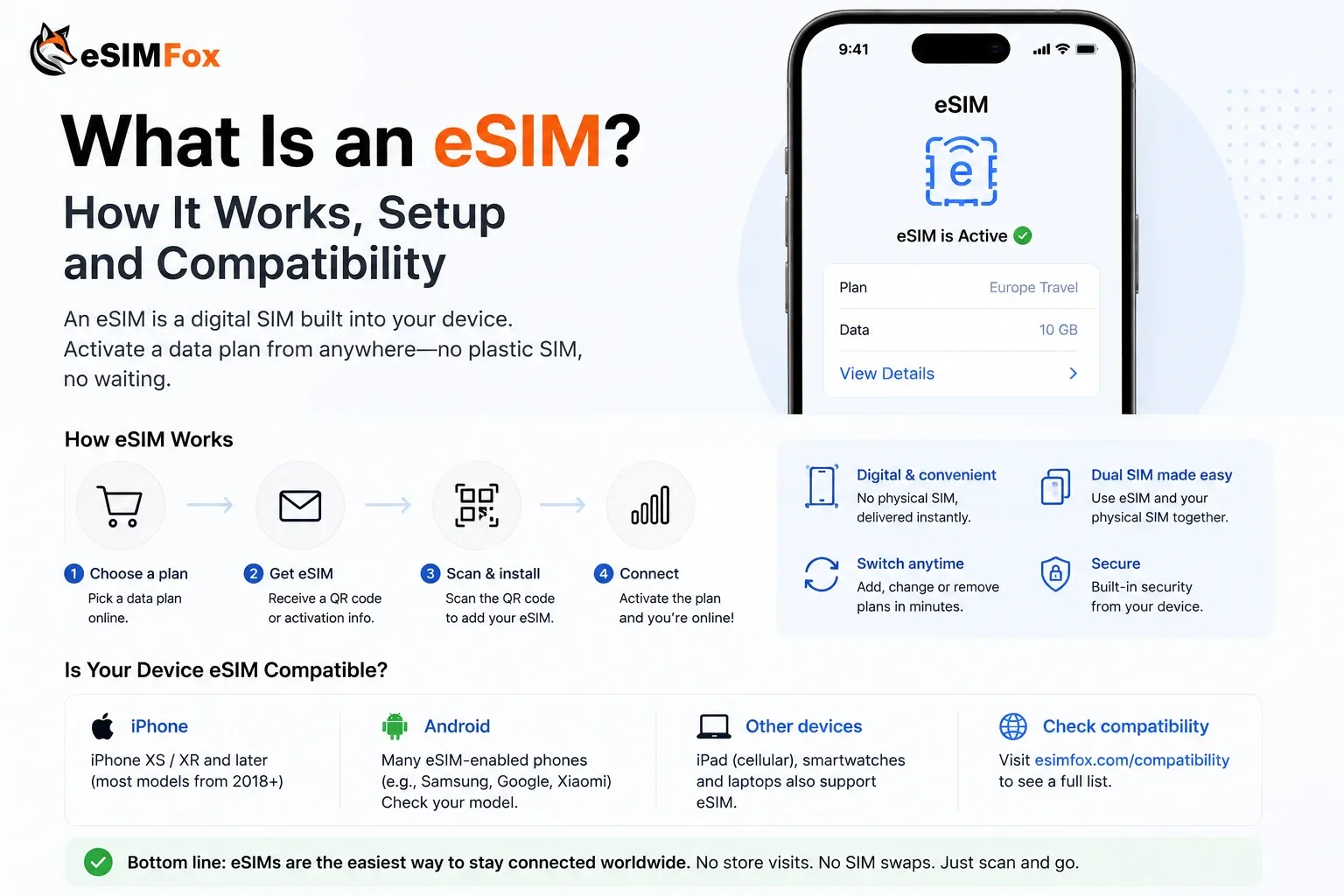
An eSIM gives you a private mobile data connection that works the moment your plane lands. No WiFi sign-in, no speed throttling, no security risk. You install the eSIM before departure, and it activates automatically when you arrive in Mexico City.
eSIMFOX plans for Mexico start at competitive rates for short trips and scale up to multi-week data tiers for longer stays. All plans include hotspot support, so you can share your connection with a laptop or tablet. Setup takes 60 seconds: scan a QR code, confirm the installation, and you are connected.
Unlike airport WiFi, an eSIM runs on Mexico's mobile networks — Telcel, AT&T Mexico, Movistar — which deliver 4G and 5G speeds across Mexico City, the airport, and major highways. You skip the airport WiFi queue, avoid the security risks, and stay connected during taxi rides, hotel check-ins, and restaurant reservations.
Lounge WiFi: faster but not always accessible
If you have lounge access through a credit card, airline status, or a day pass, lounge WiFi at MEX is noticeably faster than the public network. The Aeromexico Salon Premier in Terminal 2 and the American Express Centurion Lounge both offer WiFi speeds above 10 Mbps, which is sufficient for video calls and file uploads.
However, lounge access is not guaranteed. Day passes cost between $40 and $60 USD, and lounges can reach capacity during peak travel times. Even with access, lounge WiFi is still a shared public network with the same security risks as the main airport WiFi.
For travelers without lounge access or those who need connectivity outside the lounge area — during boarding, at the gate, or immediately after landing — lounge WiFi is not a practical solution.
SIM card at the airport vs eSIM before departure
Mexico City Airport has SIM card kiosks in both terminals, typically near baggage claim and in the arrivals hall. These kiosks sell prepaid SIM cards from Telcel, AT&T Mexico, and Movistar. Prices range from 200 to 500 MXN (roughly $10 to $25 USD) for short-term tourist plans.
The downsides: you have to find the kiosk, wait in line, provide ID, and physically swap your SIM card. If you arrive late at night or during a busy travel period, the kiosk may be closed or have a long queue. You also risk losing your home SIM card or damaging the SIM tray during the swap.
An eSIM avoids all of this. You install it before departure, keep your home SIM active for calls and texts, and land with data already working. No kiosk, no queue, no SIM swap. For most travelers, the eSIM is the simpler and faster choice.
Current eSIMFOX plans for Mexico
Buy a Mexico eSIM from €3.99
10% off
Exclusive reader bonus
Get an extra 10% off your first eSIMFOX eSIM as a thanks for reading.
MEXICO10New customers only. One use per account. Subject to change.
Frequently asked questions
Frequently Asked Questions
Is the WiFi free at Mexico City Airport?
Is airport WiFi safe to use?
Is airport WiFi fast enough for video calls?
Can I buy a SIM card at Mexico City Airport?
Should I install an eSIM before landing?
Stay connected on your next trip
Browse eSIM plans for 200+ destinations and activate in 60 seconds.