
Does iPad Pro 12.9-inch (3rd generation) Support eSIM?
Yes — most iPad Pro 12.9-inch (3rd generation) models support eSIM, but some models or regional variants do not.
Based on official manufacturer documentation · How we verify compatibility →
Check if your Apple iPad Pro 12.9-inch (3rd generation) is eSIM compatible. Ensure a smooth transition to digital SIM cards with our step-by-step guide.
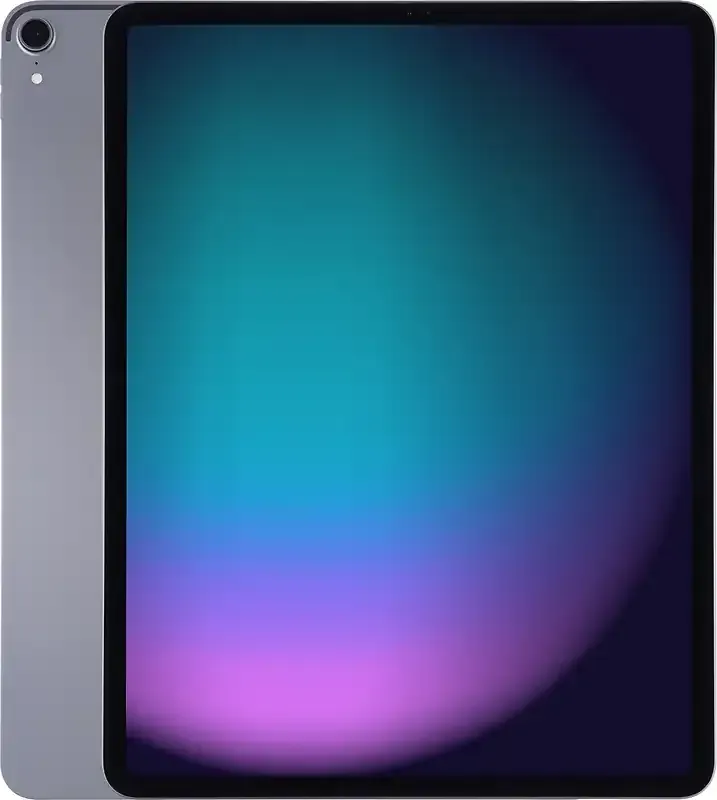
iPad Pro 12.9-inch (3rd generation) eSIM compatibility
Everything below comes from official Apple documentation — checked, dated and linked, so you don't have to take our word for it.
iPad Pro 12.9-inch (3rd generation) compatibility facts
Manufacturer verified- eSIMYes*
- Physical SIM + eSIMNo
* See regional & model exceptions
Regional & model exceptions
- Wi-Fi (non-cellular) model A1876
A1876- eSIMNo
- Dual eSIMNo
- Physical SIM + eSIMNo
- China mainland (A1983)
A1983- eSIMNo
- Dual eSIMNo
- Physical SIM + eSIMNo
Bought your device outside these regions? Your model supports eSIM.
Official Apple sources & verification
- iPad Pro 12.9-inch (3rd generation) - Technical Specifications (Apple Support)Manufacturer specification · Checked August 22, 2026
- Learn which type SIM your iPhone or iPad uses (Apple Support)Manufacturer support documentation · Checked August 22, 2026
- Set up cellular data service on your iPad Wi-Fi + Cellular model (Apple Support)Manufacturer support documentation · Checked August 22, 2026
- Using eSIM with your iPad in China mainland (Apple Support)Manufacturer regional documentation · Checked August 22, 2026
- Set up eSIM on iPad (Apple Support)Manufacturer support documentation · Checked August 22, 2026
- Identify your iPad model (Apple Support)Manufacturer support documentation · Checked August 22, 2026
Facts on this page were verified against official Apple documentation on August 22, 2026. · Technically reviewed by Adil Z · How we verify compatibility →
How to check eSIM support on your iPad Pro 12.9-inch (3rd generation)
Quickly check if your Apple iPad Pro 12.9-inch (3rd generation) can use eSIM to enjoy its many benefits.
Check your iPad Pro 12.9-inch (3rd generation)
Check for “Add eSIM” in Settings
- Open Settings
- Tap Cellular or Mobile Data
- Look for “Add eSIM”
Check your iPad Pro 12.9-inch (3rd generation) model number
- Check your model number under Settings → General → About.
If your model number is A1876, A1983, refer to the regional exceptions above.
Check for carrier or network restrictions
- Open Settings app on your Apple device.
- Tap on General.
- Tap on About.
- Look for the section Carrier Lock or Network Provider Lock.
If it shows any other information or is missing, your device might be locked to a carrier.
Get a eSIM for your Apple iPad Pro 12.9-inch (3rd generation) Now*The following Apple devices DO NOT have eSIM capability:
- iPhone devices from Mainland China. Hong Kong and Macao (except for the iPhone 13 Mini, iPhone 12 Mini, iPhone SE 2020, and iPhone XS).
- Apple Watch is currently NOT compatible.
- Pixel 3a models purchased in South East Asia and with Verizon service.
- If you are setting up your device for the first time after June 23, 2020, your eSIM will activate after installation. Contact your carrier if you don’t have eSIM enabled.
- *For iPhones and iPads purchased in TURKEY:
- Only iPad devices with Wi-Fi + Cellular features are supported (excluding devices purchased in Mainland China, Hong Kong, or Macao).
iPad Pro 12.9-inch (3rd generation) eSIM — frequently asked questions
Find answers to common questions about eSIM activation, compatibility, top-ups, and more.
Mostly yes. Nearly all iPad Pro 12.9-inch (3rd generation) units support eSIM, but certain models or regional variants do not — the exceptions are listed on this page.
Other eSIM-compatible iPad models
The iPad models closest to the iPad Pro 12.9-inch (3rd generation) — each with its own verified compatibility page.
eSIM compatible with iPad*
* Carrier- and country-specific restrictions may apply. Device must be carrier-unlocked.
Take your iPad Pro 12.9-inch (3rd generation) anywhere
Land connected in 200+ destinations — install before you fly, hop on fast 4G/5G, and skip the roaming bill entirely.








From destination to data in under a minute
Pick a country, choose a bundle, pay, and install — your eSIM is ready before you land. All from one app, on iPhone or Android.


Find your destination
200+ countries, regional and global plans in one store.
Pick a clear bundle
Transparent per-GB pricing — no surprises, no roaming fees.
Pay & install in a tap
Secure checkout, then a guided one-tap eSIM install.