
Does Microsoft Surface Pro X Support eSIM?
Check if your Microsoft Surface Pro X is eSIM compatible. Ensure a smooth transition to digital SIM cards with our step-by-step guide.
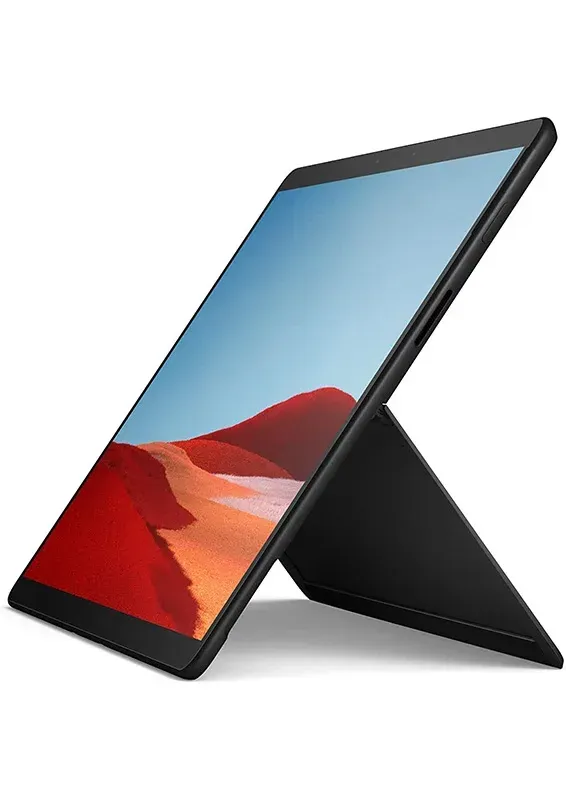
Microsoft Surface Pro X
Quickly check if your Microsoft Surface Pro X can use eSIM to enjoy its many benefits.
eSIM Compatible Devices from Microsoft Surface Pro X
Seamlessly Compatible: Unlock the Power of eSIM with Your Microsoft Surface Pro X
Check for carrier or network restrictions
- Open Windows Settings: Click the Start button and then select Settings.
- Navigate to Network & Internet: Within Settings, choose Network & Internet.
- Look for Cellular Option: Check if a Cellular option exists. If not, your device likely doesn't support eSIM.
- Verify eSIM Presence (Optional): If a Cellular option is present, click on it. If you see an eSIM profile listed or the ability to add one, your device is unlocked for eSIM.
If you don't see any eSIM related options, then your device might not be unlocked for eSIM.
Get a eSIM for your Microsoft Surface Pro X Now*eSIM availability may vary depending on country/region and carrier.
- Devices originating from China, Hong Kong, and Macao do not support eSIM functionality.
- Please contact your carrier or device manufacturer to confirm that your Microsoft device is eSIM-capable
Other eSIM-compatible Microsoft models
The Microsoft models closest to the Microsoft Surface Pro X — each with its own verified compatibility page.
eSIM compatible with Microsoft*
* Carrier- and country-specific restrictions may apply. Device must be carrier-unlocked.
Take your Microsoft Surface Pro X anywhere
Land connected in 200+ destinations — install before you fly, hop on fast 4G/5G, and skip the roaming bill entirely.









 Belgium
 Germany
 Türkiye
 USA
USA Portugal
 Belgium
 PayPal
 Apple Pay
 Credit or debit card
Payment summary
Belgium Ready to UseThe data plan will be activated automatically when you arrive at your destination.
The data plan will be activated automatically when you arrive at your destination.
Install eSIM profile
Tap Install and follow the prompts to add the eSIM to your device.
Turn on the line & enable data roaming
From destination to data in under a minute
Pick a country, choose a bundle, pay, and install — your eSIM is ready before you land. All from one app, on iPhone or Android.
Find your destination
200+ countries, regional and global plans in one store.
Pick a clear bundle
Transparent per-GB pricing — no surprises, no roaming fees.
Pay & install in a tap
Secure checkout, then a guided one-tap eSIM install.