
Google Pixel 7 Pro 支持 eSIM 吗?
检查您的 Google Pixel 7 Pro 设备是否兼容eSIM。通过我们的分步指南确保顺利过渡到数字SIM卡。
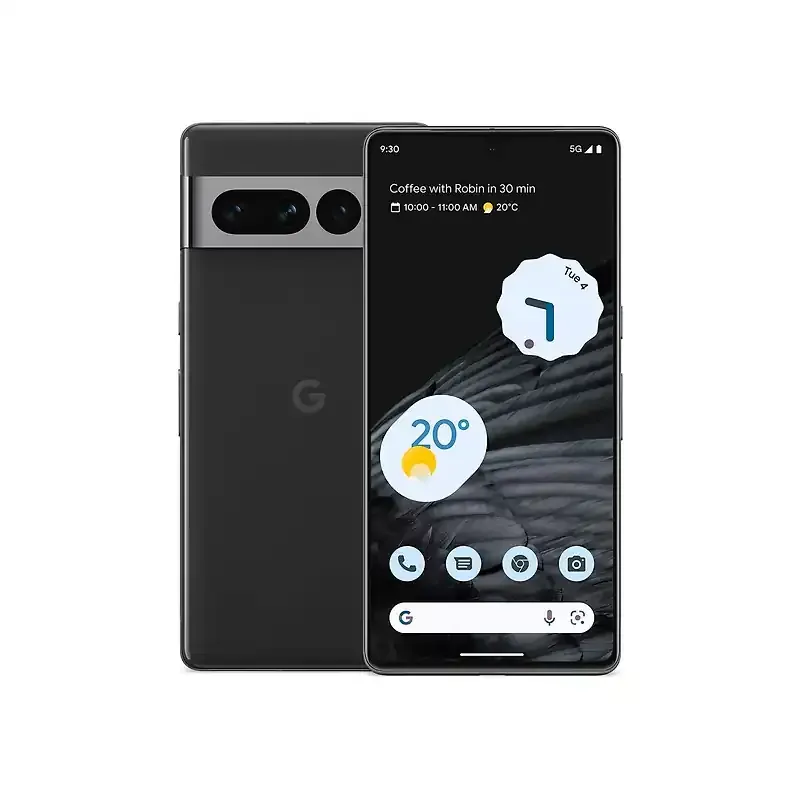
Google Pixel 7 Pro eSIM 兼容性
以下内容均来自 Google 官方文档——经过核查、注明日期并附链接,您无需仅凭我们的一面之词。
Google Pixel 7 Pro 兼容性要点
制造商已验证- eSIM是
- 双 eSIM是
- 实体 SIM + eSIM是
Google 官方来源与核实
- Pixel phone hardware tech specs — Pixel 7 Pro (Google Pixel Phone Help)制造商规格 · 核查日期 2026年8月22日
- How to use dual SIMs on your Google Pixel phone (Google Pixel Phone Help, 9449293)制造商支持文档 · 核查日期 2026年8月22日
- Learn more about eSIMs (Google Pixel Phone Help, 16115741)制造商支持文档 · 核查日期 2026年8月22日
- Get a SIM or eSIM & add it to your Pixel phone (Google Pixel Phone Help, 7086887)制造商支持文档 · 核查日期 2026年8月22日
本页信息已于 2026年8月22日 依据 Google 官方文档核实。 · 技术审核人 Adil Z · 我们如何验证兼容性 →
如何在您的 Google Pixel 7 Pro 上检查 eSIM 支持
快速检查您的Google Pixel 7 Pro是否可以使用eSIM,享受其众多好处。
检查你的 Google Pixel 7 Pro
检查“设置”中是否有“添加 eSIM”
- 打开“设置”
- 点按“蜂窝网络”或“移动数据”
- 查找“添加 eSIM”
- 如果没有该选项,请检查型号编号
检查运营商或网络限制
- 在您的Google设备上打开设置。
- 导航至网络和互联网。
- 查找移动网络或SIM卡(取决于您的设备)
- 点击使用二维码或网络提供商列表
如果您看到eSIM卡或添加eSIM配置文件的选项,那么您的设备很可能已解锁以使用eSIM。
立即为您的Google Pixel 7 Pro获取eSIM*以下Google Pixel设备不具备eSIM功能:
- 来自中国、香港和澳门的设备不支持eSIM功能。
- 来自澳大利亚、台湾和日本的Pixel 3型号,以及从Sprint和Google Fi以外的美国或加拿大运营商处购买的型号。
- 在东南亚购买并使用Verizon服务的Pixel 3a型号。
Google Pixel 7 Pro 与 eSIM — 常见问题
查看有关 eSIM 激活、兼容性、充值等常见问题的解答。
支持。Google Pixel 7 Pro 支持 eSIM,无需实体 SIM 卡即可安装旅行数据套餐。
其他支持 eSIM 的 Google 机型
与 Google Pixel 7 Pro 最接近的 Google 机型 — 每款都有各自经核实的兼容性页面。
带上你的 Google Pixel 7 Pro 走遍世界
在 200+ 目的地落地即连网 — 出发前安装,畅享高速 4G/5G,彻底告别漫游账单。









 Belgium
 Germany
 Türkiye
 USA
USA Portugal
 Belgium
 PayPal
 Apple Pay
 Credit or debit card
Payment summary
Belgium Ready to UseThe data plan will be activated automatically when you arrive at your destination.
The data plan will be activated automatically when you arrive at your destination.
Install eSIM profile
Tap Install and follow the prompts to add the eSIM to your device.
Turn on the line & enable data roaming
从目的地到数据,不到一分钟
选择一个国家,挑选一个套餐,付款并安装——在您降落之前,您的 eSIM 就已经准备就绪。所有操作都通过一个应用程序完成,支持 iPhone 或 Android 设备。
查找您的目的地
200多个国家、地区及全球套餐,一站式选购。
选择一个清晰的套餐
透明的按GB计费——没有意外费用,没有漫游费。
轻点一下即可支付并安装
安全结账,随后通过引导完成一键eSIM安装。